This Nelko thermal shipping label printer review looks at a desktop model built for shipping workflows that span phones and computers.
Its wireless app connection, USB option, and support for several label types make it a flexible choice for small businesses and home organization.
Nelko PL70E Printer Review Summary
The quick verdict
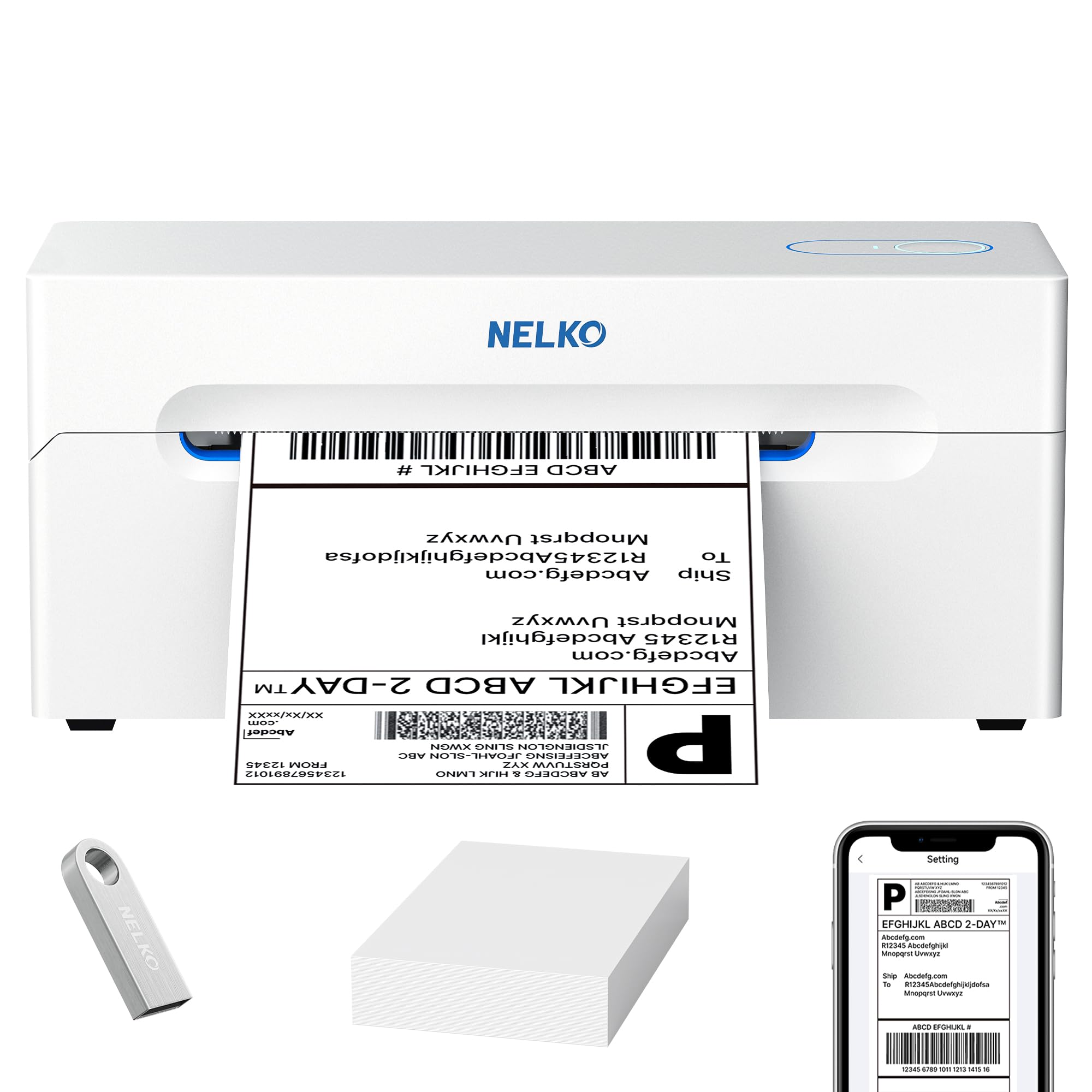
5,000+ ratings
Read Amazon ReviewsNelko PL70E Thermal Shipping Label Printer
A practical fit for small businesses that want wireless or USB label printing across phones and computers, with broad label and platform support.
- Prints shipping labels and other labels using direct thermal printing, without ink or toner.
- Supports wireless printing through the NELKO app and USB printing from a computer.
- Works with iOS, Android, Windows, Mac devices with M1/M2 chips, Chrome OS, and Linux.
- Accommodates labels 1.57 to 4.1 inches wide, including fanfold and roll types.

Pros
- Wireless app printing and USB provide useful setup flexibility.
- Supports a broad mix of phones, computers, and operating systems.
Consider before buying
- Wireless printing depends on the NELKO app, so buyers should be comfortable handling label setup in an app.
- The 4.1-inch maximum label width may not suit workflows that use wider stock.
Read the full review summary
The Nelko PL70E suits sellers who want to print shipping labels from a phone or computer without keeping ink or toner on hand.
It connects wirelessly through the NELKO app and also supports USB printing, so buyers can choose a mobile setup or a conventional wired workstation.
Its range extends beyond parcel labels to price stickers, warehouse tags, and classroom labels, with support for both fanfold and roll media.
That makes it worth considering for a small online store or a home workspace that handles varied labeling; the tradeoff is a desktop workflow that depends on an app or a computer connection.
The buying factors
Nelko PL70E Printer Scorecard
Editorial scores reflect listed features and buyer fit; they are not laboratory measurements or customer ratings.
Connection flexibility
Bluetooth through the NELKO app and USB connection give buyers two ways to print, including from phones, tablets, and computers.
Device compatibility
The listed support spans iOS, Android, Windows, Mac, Chrome OS, and Linux, covering many common phones and computer setups.
Label versatility
It handles roll and fanfold labels across shipping, warehouse, pricing, and classroom tasks, with design support for text, barcodes, and QR codes.
Shipping platform coverage
Compatibility includes major online selling and shipping services, which should fit many small-business label workflows.
Setup and support
An included U-Disk provides drivers and tutorials, and the two-year warranty adds a defined support period for buyers.
Ongoing supplies
Direct thermal printing avoids ink and toner purchases, which can simplify recurring supply needs for routine label output.
Key Features and Specifications of Nelko PL70E Printer
- Prints shipping labels and other labels using direct thermal printing, without ink or toner.
- Supports wireless printing through the NELKO app and USB printing from a computer.
- Works with iOS, Android, Windows, Mac devices with M1/M2 chips, Chrome OS, and Linux.
- Accommodates labels 1.57 to 4.1 inches wide, including fanfold and roll types.
- Supports shipping labels, warehouse tags, price stickers, classroom labels, text, barcodes, and QR codes.
- Includes drivers, tutorials, and troubleshooting materials on a U-Disk, with a two-year warranty.
Pros and Cons of Nelko PL70E Printer
Pros
- Wireless app printing and USB provide useful setup flexibility.
- Supports a broad mix of phones, computers, and operating systems.
- Handles shipping and several non-shipping label tasks with roll or fanfold stock.
- Avoids ink and toner as recurring supplies.
Consider before buying
- Wireless printing depends on the NELKO app, so buyers should be comfortable handling label setup in an app.
- The 4.1-inch maximum label width may not suit workflows that use wider stock.
- Mac wireless support is limited to devices with M1 or M2 chips, while USB compatibility covers Mac OS more broadly.
Who Should Buy Nelko PL70E Printer?
Good fit
Choose the Nelko PL70E if you run an online store or manage frequent parcel labeling and want wireless printing from a phone alongside a USB-connected computer option.
Support for Amazon, eBay, Shopify, and several shipping services can fit a small-business workflow.
It also makes sense for home or classroom users who label storage, prices, or materials as well as packages. Roll and fanfold support, plus text and barcode design, gives the same printer uses beyond shipping.
For a mixed-device workspace, the combination of mobile app printing and USB computer support is a practical reason to shortlist it. Review the operating-system requirements first, especially if your Mac workflow relies on wireless printing.
Who should skip it
Skip it if you need to print labels wider than 4.1 inches; the supported media range tops out at that width.
It is also a poor fit if your Mac computers use Intel chips and you need wireless printing, since wireless Mac compatibility is specified for M1/M2 devices.
Nelko PL70E Printer: Workflow and Setup Analysis
Phone or computer printing
The main setup decision is whether you want a wireless phone workflow or a USB-connected computer. The app route keeps a mobile device in the process, while USB offers a wired path for supported desktop systems.
Media and everyday uses
The printer can serve more than a parcel station: its supported tasks include warehouse tags, price stickers, and classroom labels, while the media options cover rolls and fanfold stock.
Check that the maximum width fits the labels you already buy.
Operating-system fit
The listed compatibility spans major mobile and computer systems, but the supported route differs by device. Buyers using a Mac should distinguish wireless support for M1/M2 devices from USB compatibility with Mac OS.
Supplies and support
Direct thermal printing removes ink and toner from the supply routine, which can be appealing for regular label output. The included setup materials and two-year warranty offer a defined starting point for installation and support.
Alternatives to Nelko PL70E Printer
Desktop Label Printers alternative
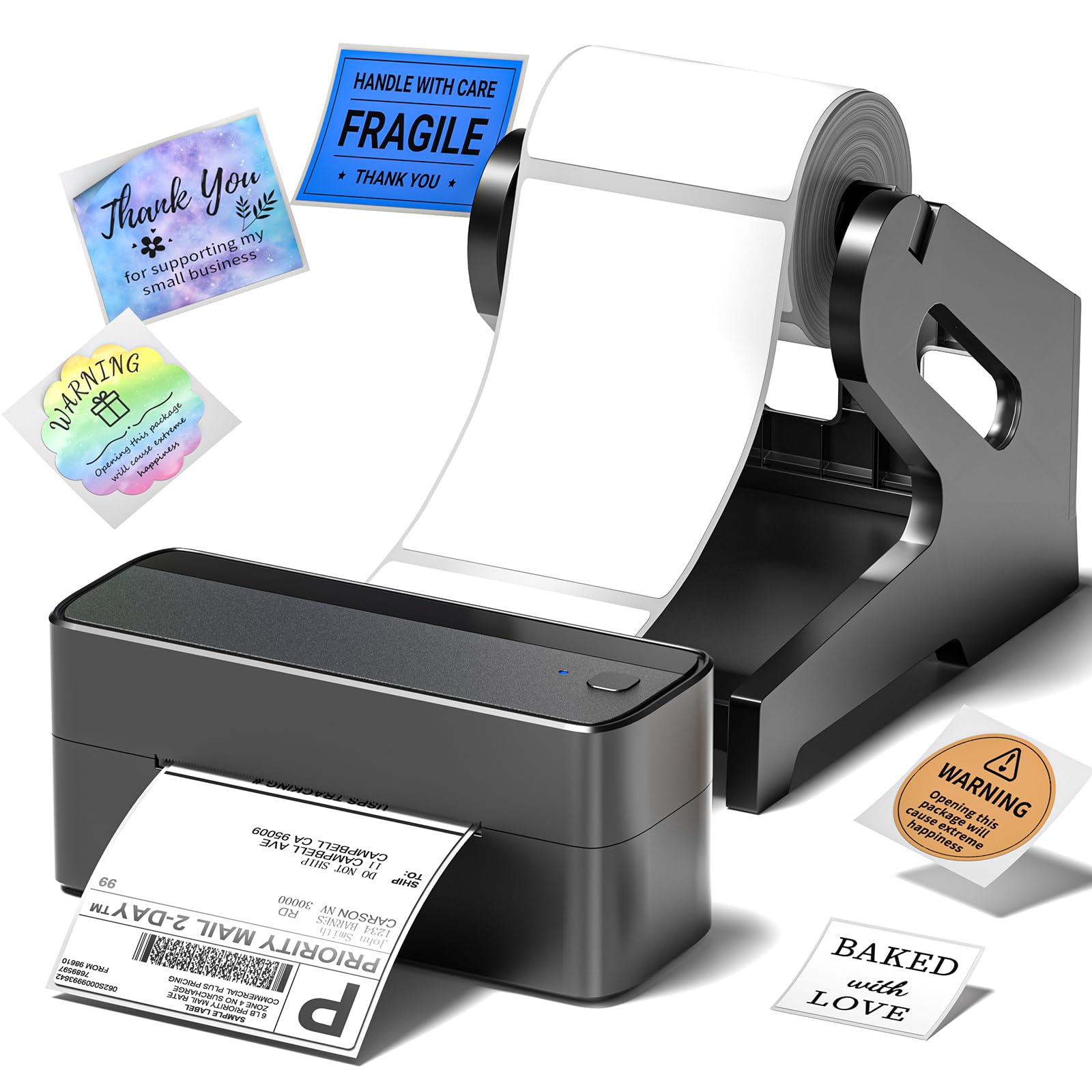
4,000+ ratings
Read Amazon ReviewsPhomemo 241BT 4X6 Wireless Shipping Label Printer
Choose the Nelko if you want its broad phone and computer support alongside a USB option.
Consider the Phomemo if you need a wider supported label range or want its stated FedEx compatibility in the same general shipping workflow.
- The Phomemo supports label widths from 1 to 4.6 inches, prints through an app on iOS and Android, and connects by USB for computer printing.
- Its compatible services include eBay, Shopify, Amazon, Etsy, UPS, USPS, and FedEx.
- Nelko's key workflow combines wireless 4x6 shipping-label printing with support for Android, iPhone, Windows, and Mac devices using M1/M2 chips.
Is Nelko PL70E Printer Worth It?
The Nelko PL70E is worth considering for small businesses and home workspaces that want thermal shipping labels from a phone or computer.
Its mix of app-based wireless printing, USB connectivity, and support for non-shipping labels gives it a useful range of roles.
Before buying, make sure the 4.1-inch media limit and your device's operating-system path match your workflow. Buyers who need wider stock or a different mobile-to-computer setup should weigh those constraints against the convenience of a no-ink thermal printer.
Your review at a glance
5,000+ ratings
Read Amazon ReviewsNelko PL70E Thermal Shipping Label Printer
A practical fit for small businesses that want wireless or USB label printing across phones and computers, with broad label and platform support.
- Prints shipping labels and other labels using direct thermal printing, without ink or toner.
- Supports wireless printing through the NELKO app and USB printing from a computer.
- Works with iOS, Android, Windows, Mac devices with M1/M2 chips, Chrome OS, and Linux.
- Accommodates labels 1.57 to 4.1 inches wide, including fanfold and roll types.